When someone creates a pull request from their fork, they usually decide whether other people can commit to the pull request's compare branch. For greater collaboration, the author can give maintainers of the upstream repository—that is, anyone with push access to the upstream repository—permission to commit to the compare branch. See Fourchettes.
Pull request authors can set these permissions when they create a pull request from a fork in a personal account. They can also update an existing pull request to let repository maintainers commit to the branch. See Creating a pull request from a fork.
Enabling repository maintainer permissions on existing pull requests
-
On GitHub, navigate to the main page of the upstream repository of your pull request.
-
Under the upstream repository name, click Pull requests.

-
In the list of pull requests, navigate to the pull request that you'd like to allow commits on.
-
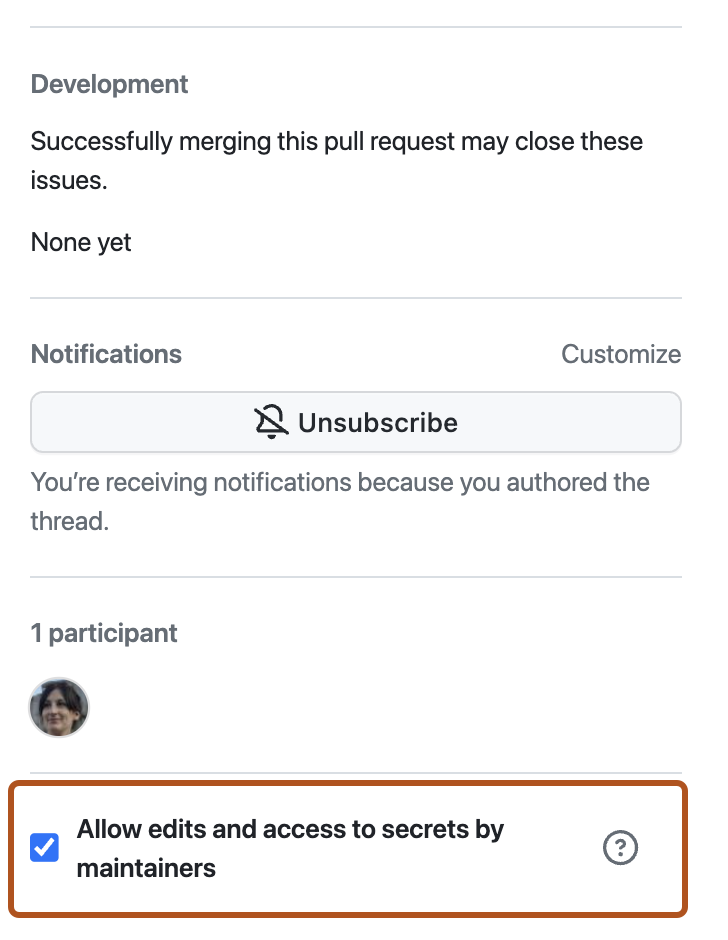
Sur les duplications appartenant à l’utilisateur, si vous souhaitez autoriser toute personne disposant d’un accès push au dépôt en amont à apporter des modifications à votre demande de tirage, sélectionnez Autoriser les modifications des mainteneurs.
Avertissement
Si votre duplication contient des workflows GitHub Actions, l’option est Autoriser les mainteneurs à apporter des modifications et à accéder aux secrets. L’autorisation de modifier sur la branche d’une duplication qui contient des workflows GitHub Actions autorise également le mainteneur à modifier les workflows du dépôt dupliqué, ce qui peut révéler des valeurs de secrets et accorder l’accès à d’autres branches.